
Follow-up scheduling
Automatically suggest the first follow-up and keep the next promised action visible.
Stop trusting memory after the quote goes out. Log the estimate, follow the suggested cadence, update the status, and keep the pipeline honest.
Your purchase includes the standalone Windows app plus mobile/web access. Create a Powered by Guage account in the mobile/web app to keep your estimate pipeline synced between browsers and mobile devices.
Track estimates from the Windows app or use the cloud-backed mobile/web version wherever the work takes you.
Automatically suggest the first follow-up and keep the next promised action visible.
Track sent, contacted, won, lost, and other estimate outcomes.
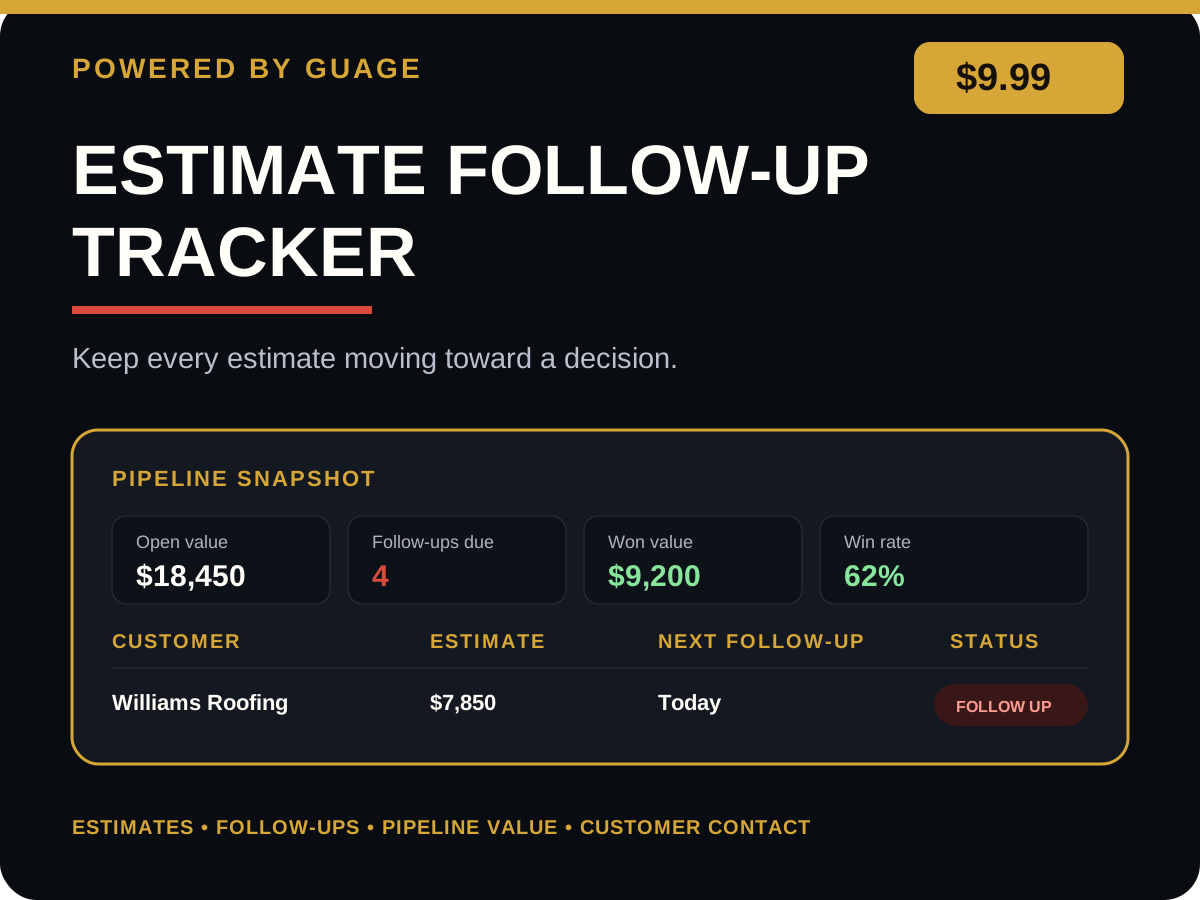
See follow-ups due, open pipeline value, wins, losses, and win rate at a glance.
Use friendly, second-touch, and final-decision follow-up wording.
1. Add every estimate as soon as it is sent.
2. Use the suggested first follow-up date or enter your own.
3. Update the status and next follow-up after every customer contact.
4. Mark estimates won or lost so the dashboard stays accurate.
• Windows desktop app
• Mobile / web app
• Powered by Guage cloud account
• Cross-device mobile/web estimate sync
Do not promise dates, discounts, financing, or warranty terms unless your business can honor them.
Mobile/web records sync through the cloud workspace. The Windows desktop app maintains its local working copy.
Keep the customer, estimate amount, status, next follow-up, pipeline value, and contact history in one focused place.